Open DWG and DXF
No file limit. Open drawings from your phone, the cloud or email in one tap.
Open DWG and DXF files on your phone and tablet. Browse layers, see them on a map, measure in the field.
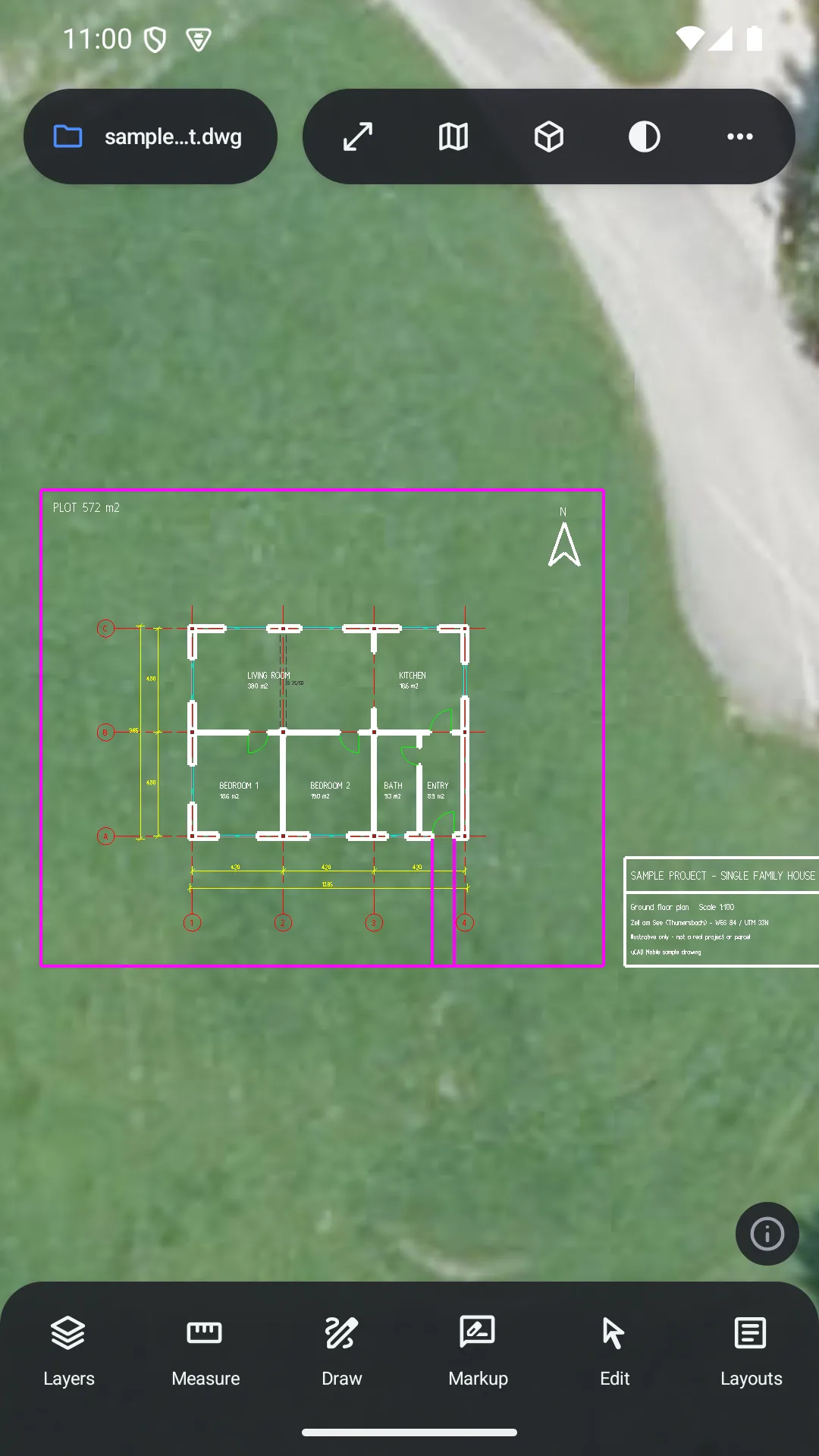
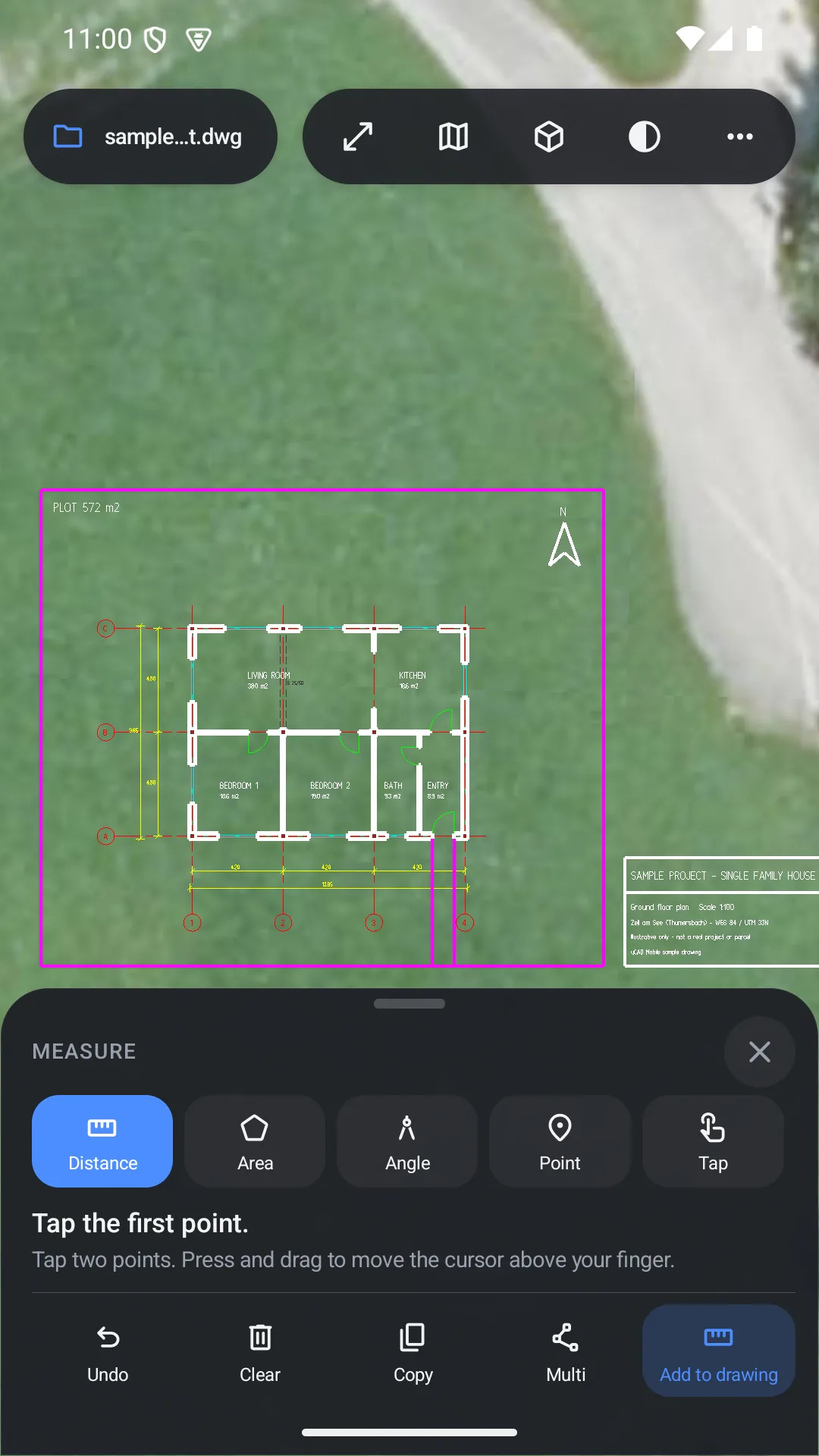
Light, fast and works directly with your file. Viewing is free; professional tools come with Pro.
No file limit. Open drawings from your phone, the cloud or email in one tap.
Show, hide, freeze and quickly search layers.
See your drawing at its real location over satellite and street maps.
Measure distance, angle and area on the drawing with point snapping.
Add lines, circles and text; move, copy and edit objects.
Add markups, save your changes and share them right away.
View layouts and export the drawing as PDF.
Inspect the model from every side with isometric views and visual styles.
See where you are on the drawing; grid, projections, KML and 3D terrain.
Built for touch: large targets, one-handed use, wide panels on tablets.
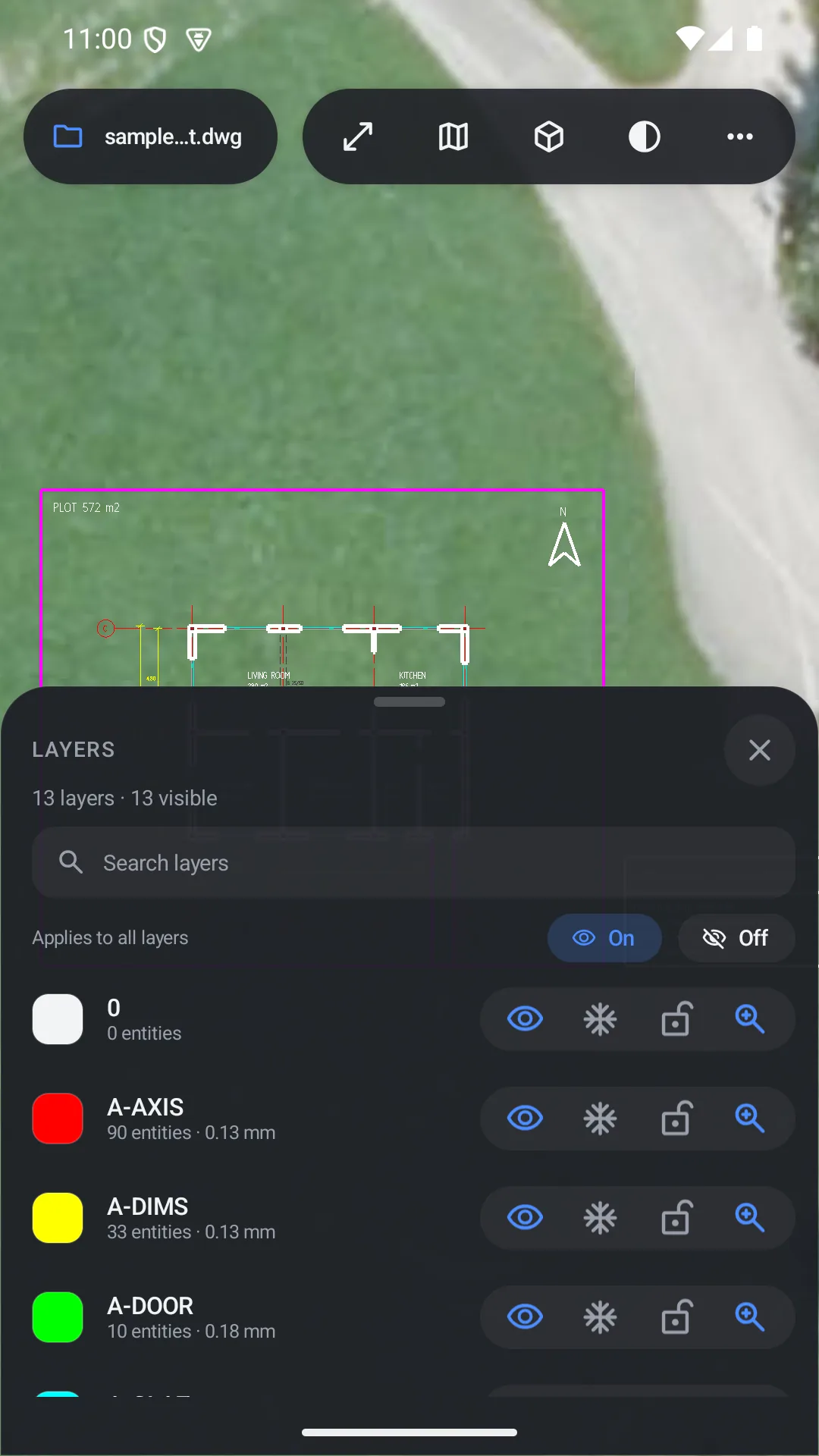
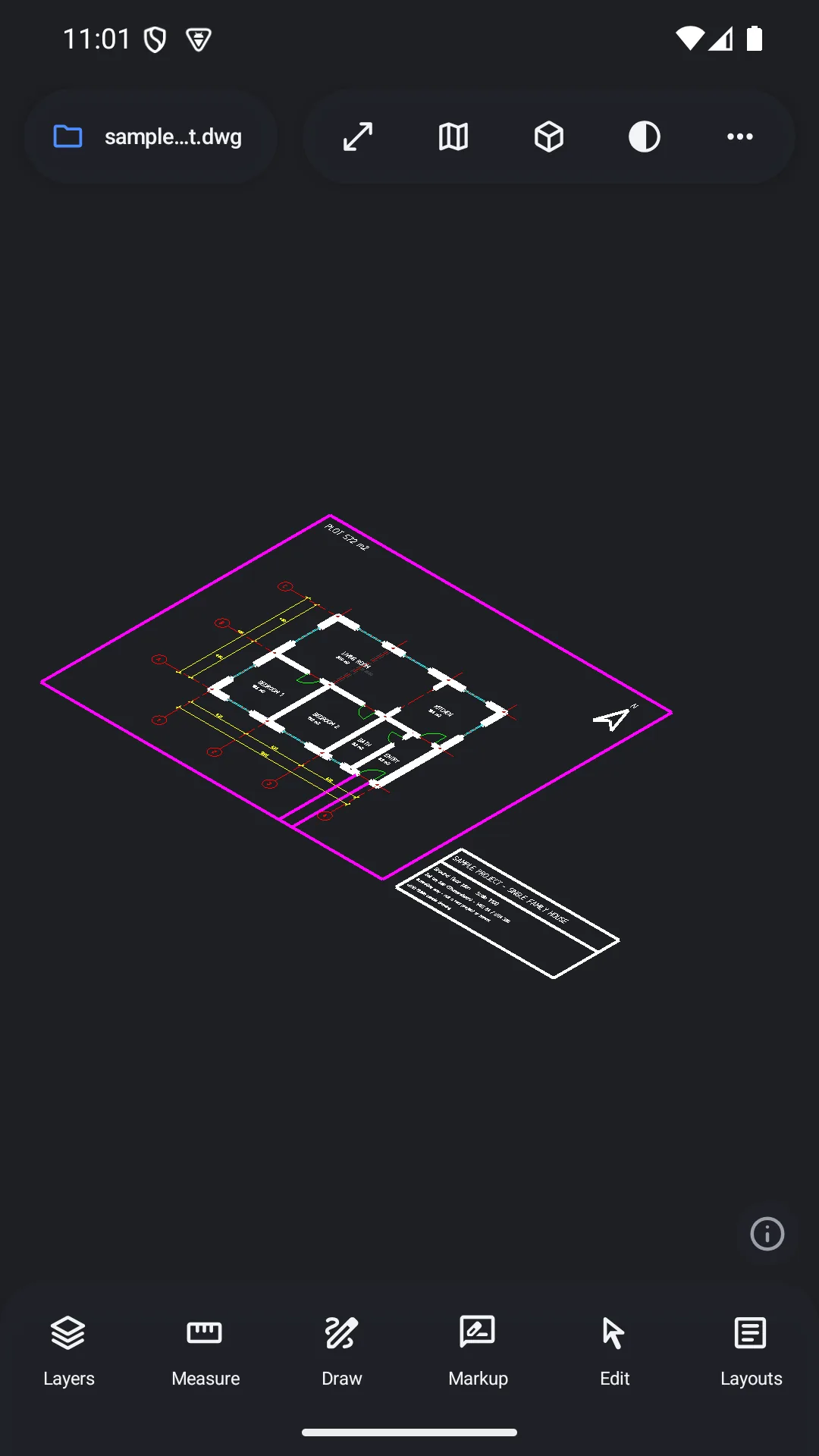
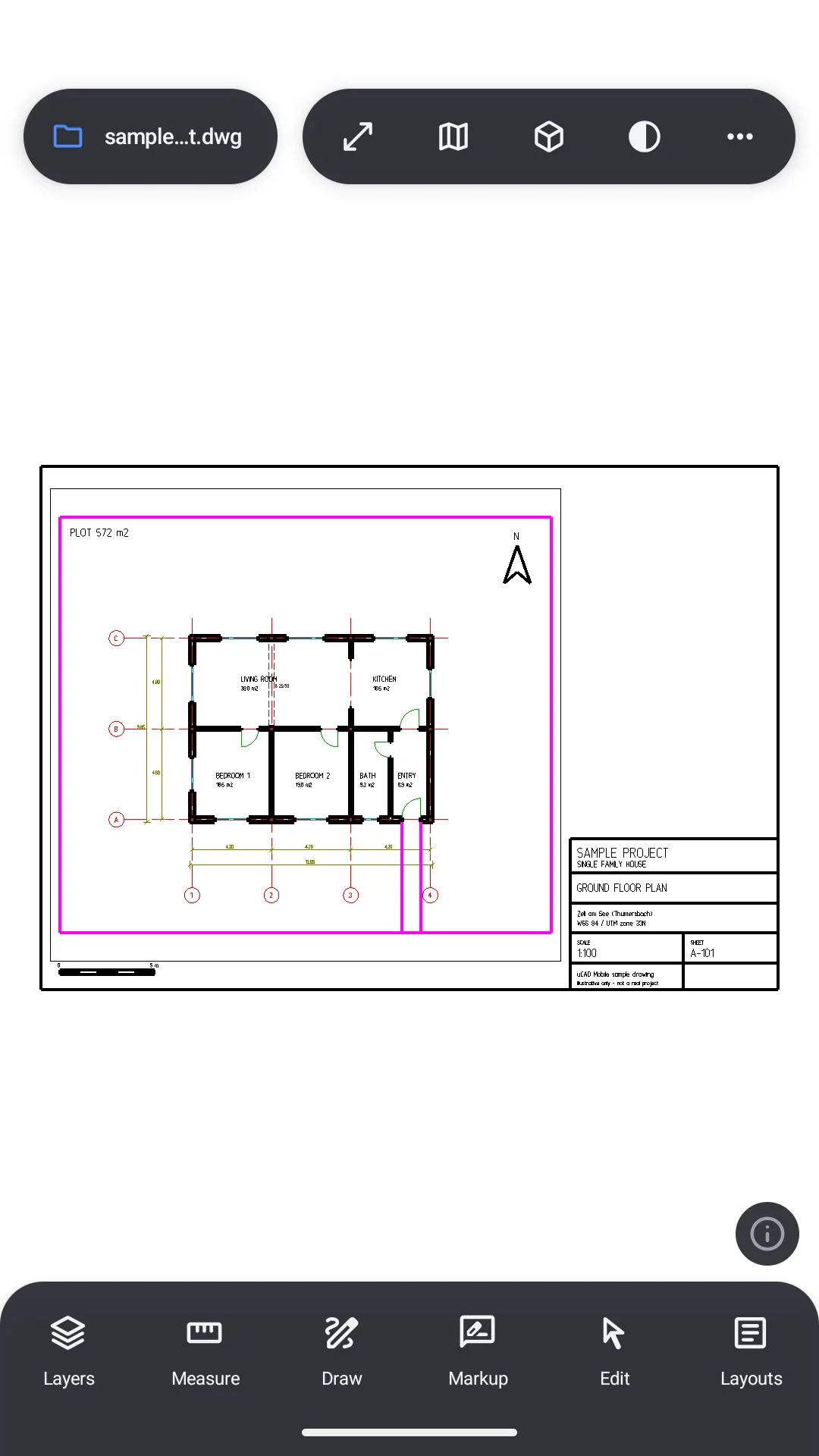
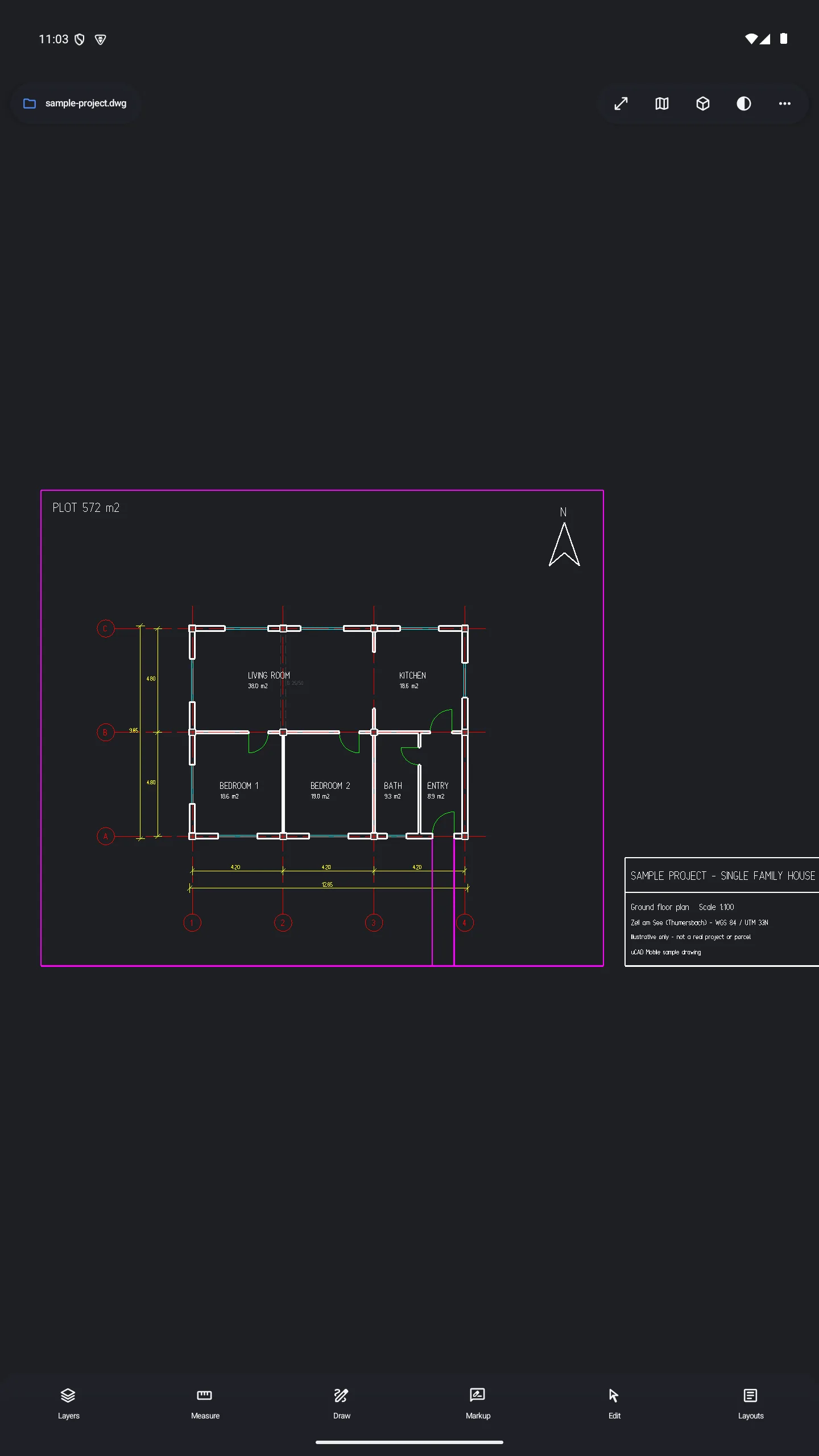
Viewing is always free. A Pro subscription unlocks the full set of professional tools.
Everything for viewing
Full control in the field
Prices are shown in Google Play for your country. The subscription renews automatically; you can cancel any time in Google Play.
DWG (versions R14–R2018) and DXF files. You can open them from your phone, cloud storage or an email attachment.
No. Drawings are opened and processed on your device. uCAD does not send your files to our servers.
No. You can open files and work offline. Map tiles are downloaded only when you use a basemap.
No. In the free version you can open as many files as you like and use layers and basemaps.
In Google Play → Payments & subscriptions → Subscriptions, select uCAD Pro and cancel. Pro stays on until the end of the period.
Yes. The interface adapts to tablets with wide panels.
uCAD is being prepared for Android and will be published on Google Play.

Get uCAD; open your file, see it on the map, measure in the field.
Coming soon on Google Play